Tinder Verification Code Not Coming Here’s How to Fix It
Not receiving your Tinder verification code? Learn the most common reasons, quick fixes, carrier-specific solutions, and alternative verification methods to regain access to your account fast.
Not receiving your Tinder verification code? Learn the most common reasons, quick fixes, carrier-specific solutions, and alternative verification methods to regain access to your account fast.
Here's the blunt truth – your Tinder verification code not coming is almost always one of three things: your carrier's blocking shortcode SMS, you're using a VoIP number Tinder hates, or your phone's spam filter ate the message. Let's cut through the noise.
Carrier block is the #1 cause – Call your provider to unblock shortcode SMS; prepaid carriers are the worst offenders.
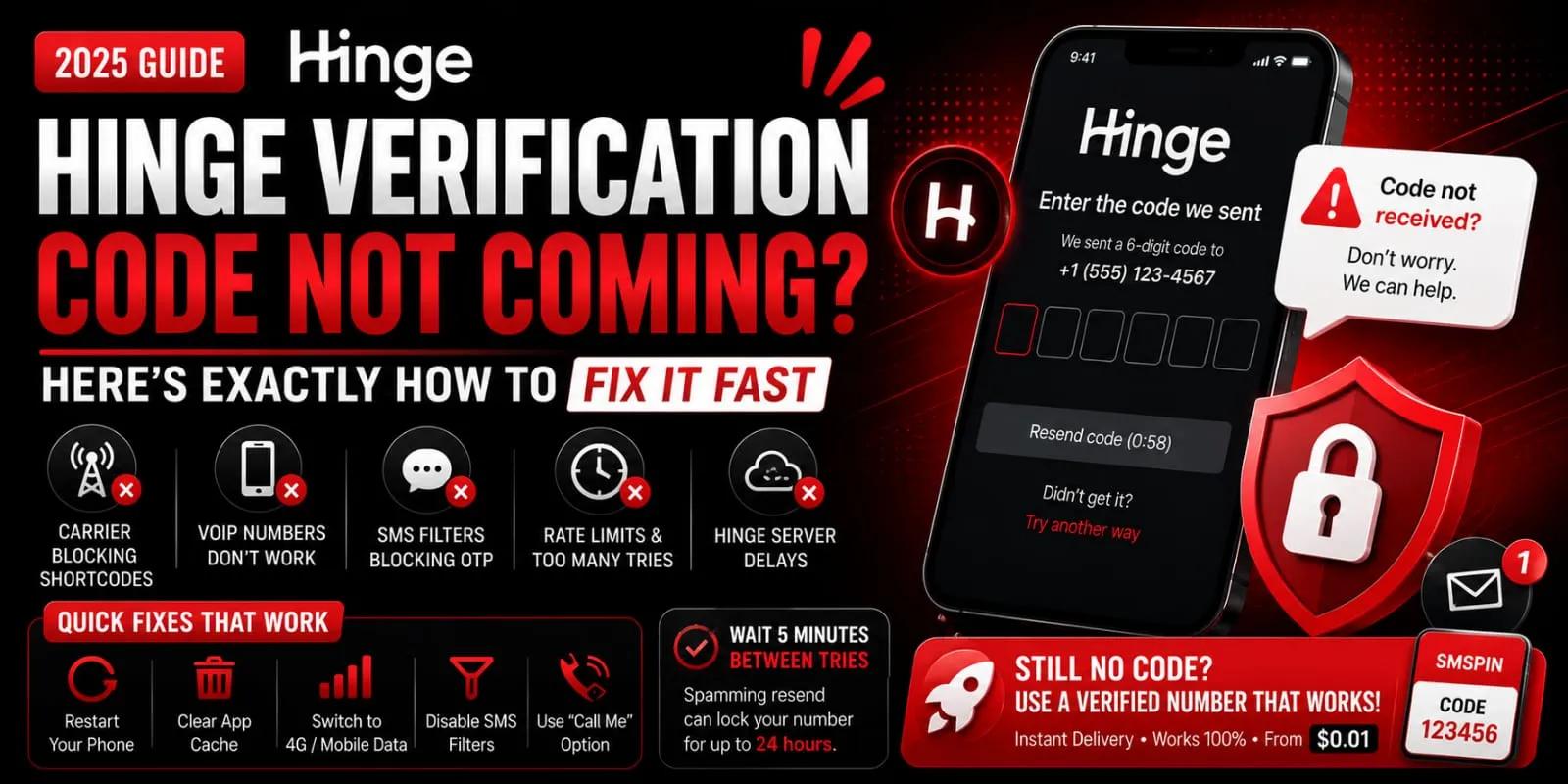
Wait, don't spam resend – Tinder rate-limits after 60 seconds; resending too fast locks your number for 24 hours.
VoIP numbers never work – Use a real SIM-based line or a dedicated temporary number from a verified provider.
Still stuck? Try a temporary number – Pay per code (from $0.01) with an auto-refund if delivery fails - no risk, no carrier hassle.
#Why Your Tinder Verification Code Isn't Arriving (The Obvious & Hidden Reasons)
Let's be real – Tinder verification codes fail for a handful of predictable reasons. Your carrier might be ghosting shortcode SMS. Maybe you're rocking a Google Voice number (Tinder's not a fan). Or your phone's spam filter silently trashed the OTP before you ever saw it. Sometimes Tinder's own servers are the bottleneck during peak hours. Before you start pulling your hair out, check these three buckets first.
Carrier blocks shortcodes: Many prepaid or smaller carriers (like Mint, Visible, or Tello in the US) block shortcode SMS by default; call them to unblock.
VoIP & landline rejection: Tinder specifically blocks verification to Google Voice, Skype, TextNow, and other virtual numbers.
Spam/text blockers: iOS's Filter Unknown Senders or Android's Spam Protection may silently trash your OTP check your SMS filter folders.
Tinder server lag: During peak hours (evenings, weekends), SMS delivery from Tinder can take 5–15 minutes; this is normal for high-traffic dating apps.
Previously used number: If the number was ever linked to a banned or deactivated Tinder account, Tinder may suppress verification codes to that line permanently.
#Tinder SMS Verification Not Received (Under 5 Minutes)
Your Tinder SMS verification was not received. Start with the fastest fixes before diving into carrier settings. Restart your phone, force-close the Tinder app, and request a new code after 60 seconds – not immediately, because Tinder has a rate limit on resend requests. Then check your SMS-blocked numbers list and temporarily turn off any third-party call/text-blocking apps.
Restart your device – Clears a stuck SMS pipeline on both iOS and Android.
Force-close Tinder & re-open – Sometimes the app's session expires mid-verification.
Wait 60–90 seconds before resending – Tinder's OTP system has a 60-second cooldown; resending too fast actually delays the next code.
Check blocked SMS contacts – On iPhone: Settings > Messages > Blocked Contacts on Android: Phone app > Settings > Blocked numbers.
Disable Silence Unknown Callers (iOS) – This setting can also silence unknown SMS senders.
Try a Free Tinder Verification Test
If your carrier is blocking shortcode SMS, don't waste hours on hold. Grab a temporary number from SMSPin and see if your Tinder verification works in under 60 seconds. Free to test, pay only if you get the code. Get Your Free Phone Number
#How to Fix Tinder Phone Verification Stuck on a New Phone or After an Update
Got a shiny new phone or just updated your OS? Tinder phone verification can get stuck because the app thinks your device is unrecognised. The fix is often simpler than you'd expect: clear Tinder's local data (not app data – just cache), or uninstall and reinstall the app fresh. If you're using the same SIM, Tinder's backend sometimes needs a device refresh that a clean install triggers.
Clear cache only (not login data) – Android: Settings > Apps > Tinder > Storage > Clear Cache. On iOS: Offload App (Settings > General > iPhone Storage > Tinder > Offload App), then reinstall.
Reinstall Tinder completely – This forces Tinder to re-verify your device fingerprint with your phone number.
Check date & time settings – Set to Automatic (Network-provided); a mismatched timezone can break SMS verification on some carriers.
SIM card re-seat – Remove your SIM for 10 seconds, reinsert, and try again – this re-registers your device on the network.
Try verification on Wi-Fi vs mobile data – Some carriers route SMS differently over VoLTE; toggling between networks can shake the code loose.
#Tinder OTP Not Received? Try These Carrier & Network-Specific Fixes
If you don't receive the Tinder OTP even though the app is working perfectly, your mobile carrier is most likely the culprit. Shortcode SMS (5–6 digit numbers like Tinder uses) are increasingly blocked by carriers for spam prevention, especially on MVNOs. Call your carrier's support line and ask them to unblock the shortcode and premium SMS. On some networks, you need to enable SMS from unknown senders in your online account settings.
Call your carrier: Ask specifically to unblock all shortcode SMS and allow application-to-person (A2P) messages.
Check network type: SMS over Wi-Fi Calling can be unreliable with verification codes – turn off Wi-Fi Calling temporarily.
Roaming issues: If you're travelling, your home carrier may block short codes while roaming; switch to a local SIM or use a temporary number service.
Carrier-specific: T-Mobile (US) blocks many shortcodes by default; AT&T and Verizon are more permissive. Vodafone (UK) and Airtel (India) require enabling transactional SMS in account settings.
Dual-SIM devices: Verify that the SIM associated with your Tinder account is the one set as default for SMS in your phone settings.
#Tinder Verification SMS Delay? When to Wait vs When to Troubleshoot
A Tinder verification SMS delay of up to 10 minutes is actually common and usually not a problem – Tinder batches SMS sends during high-traffic periods. But if it's been over 15 minutes, something's off. The rule of thumb: wait 5 minutes, try one resend, then wait another 5. If nothing arrives after that, move on to active fixes, such as checking your spam folder or using an alternate number.
Normal delay window: 0–10 minutes; peak hours (Friday/Saturday evenings UTC) can push to 15 minutes.
Resend strategy: Only click Resend code once every 5 minutes – more frequently triggers Tinder's anti-abuse rate limit that locks your number for 24 hours.
Time-of-day matters: If you're trying at 2 AM local time, Tinder's SMS provider may have reduced capacity – try again during daytime hours.
Server status check: Use DownDetector or Tinder's support Twitter (@TinderSupport) to confirm no ongoing SMS outage.
If the delay persists for hours, the number may be flagged in Tinder's system – try verification with a fresh, unused number.
#Tinder Registration Code Problem? Manual Verification & App Workarounds
Facing a Tinder registration code problem where SMS won't arrive? Tinder may offer a Call me option instead – some regions hide this behind the failed SMS screen. Tap. Didn't get a code? two or three times until it appears. Alternatively, try verifying through Tinder's web login (tinder.com), which sometimes uses email-based verification as a fallback.
Tap. Didn't get a code? Multiple times – The Call me option appears after 2–3 taps in many regions (US, UK, Canada, Australia).
Email verification workaround: On the Tinder web version, you can often add an email to your account and verify via email link – then use the app with the email-verified account.
Change the account creation method: Sign up with Apple ID or Google first (which bypasses SMS), then add your phone number later, once the account is already active.
Facebook login skip: If you're trying to use Facebook to verify, switch to phone or vice versa – Facebook-linked accounts sometimes glitch with SMS.
Reinstall the app and start fresh: Use a different email address and a new phone number to avoid any cached registration errors.
#When All Else Fails: Using a Temporary Number for Tinder Phone Verification Failed
Your primary number won't accept Tinder verification – or maybe you've been locked out due to too many failed attempts. A temporary virtual number can bypass the issue entirely. Services like SMSPin provide disposable phone numbers that can receive sms instantly, without using your real SIM. This is especially useful for users whose carrier blocks shortcodes or who need to create a second account for legitimate business purposes (like testing or market research).
Temporary numbers from SMSPin are real SIM-based lines, not VoIP, so Tinder recognises them as legitimate mobile numbers.
Pay as little as $0.01 per verification, with auto-refund if no code arrives – ideal for testing Tinder's SMS flow.
No registration delays; you get a number in seconds and receive the code in real time on SMSPin's dashboard.
Works with Tinder in the US, UK, India, and dozens of other countries where Tinder operates.
SMSPin is not affiliated with Tinder. Please follow Tinder's terms of service and local regulations when using temporary numbers – do not use them for spam, fraud, or violating Tinder's community guidelines.
#How to Avoid Tinder Verification Issues in the Future (Account Setup Tips)
Prevention beats troubleshooting every time. To avoid Tinder verification issues on future account setups, use a number that hasn't been previously registered on Tinder, keep your carrier's shortcode SMS settings enabled, and avoid creating an account during peak hours. If you're privacy-conscious or test apps regularly, maintain a dedicated virtual number specifically for verification purposes – it saves you the headache of carrier blocks.
Use a clean number: Numbers that were previously linked to banned or inactive Tinder accounts often fail verification – use a fresh one.
Enable shortcode SMS with your carrier upfront: Call them before you start the verification process.
Avoid VPNs during signup: Tinder sometimes flags VPN traffic and suppresses SMS delivery as a fraud prevention measure.
Stick to stable Wi-Fi: Mobile data with a weak signal can cause SMS routing issues – use a reliable Wi-Fi network.
Keep a backup number: Rent a temporary number for a day or a month if you plan to use Tinder for testing, dating app research, or managing multiple accounts.
#Tinder Verification Error? What the App Doesn't Tell You (And What to Do)
Tinder verification errors often display misleading messages like Invalid code or Something went wrong when the real issue is a backend flag on your number. Tinder maintains a silent blocklist of numbers associated with suspicious activity or previous bans, and they won't tell you that your number is on it. The fix: switch to a verified, unused number – either a friend's line (temporarily) or a dedicated virtual number from a trusted provider.
Invalid code error: This usually means the code expired (within a 10-minute window), or you entered the wrong number, but it can also mean your number is shadow-blocked.
Too many attempts lockout: Tinder's rate-limiting can lock your number for 24–48 hours – do not try again within that window.
This number is already in use. Error: Tinder cross-references numbers across accounts; use a number that has never been associated with Tinder.
Error on Verify Now button: If tapping it does nothing, your app cache is corrupt – reinstall the app.
Silent failure: Some numbers appear to accept the code request but never deliver – this is Tinder's server silently dropping the SMS. Only a new number resolves this.
#Still Stuck? The Final Tinder SMS Verification Not Working Safety Net
If you've tried every fix and Tinder SMS verification is still not working, you have two clean options left: contact Tinder support directly (they can manually push a verification SMS to your number after a 24-hour cooldown) or use a dedicated temporary phone number service that guarantees delivery. For users who need ongoing access – like developers testing Tinder's SMS flow or professionals managing multiple accounts – renting a number for a month ensures you never hit carrier blocks again.
Tinder support contact: Open the app > Settings > Contact Us > Phone verification issues > provide your number (without the country code) and request a manual SMS push.
24-hour cooldown rule: After too many failed attempts, Tinder locks your number; wait a full day before trying again.
Rent a number for ongoing use: Services like SMSPin offer numbers you can rent by the day or month, so you always have a stable, Tinder-friendly line ready.
Test the number first: Before paying for a rental, run a one-time verification (from $0.01) to confirm the number works with Tinder in your region.
Auto-refund guarantee: If a temporary number fails to deliver the Tinder OTP, you get your money back – no risk, no wasted time.
If Tinder rejected your number or you're stuck on Invalid code, switch to a fresh SIM-based line from SMSPin. No VoIP rejection, no carrier drama – just instant OTP delivery starting at $0.01 per code. Auto-refund if it doesn't arrive. Fix Your Tinder sms Verification Now.
#Key Takeaways
Common carrier blocks: Prepaid carriers often block shortcode SMS – call to unblock.
Avoid VoIP numbers: Tinder does not accept virtual numbers like Google Voice.
Check spam filters: Your phone's spam filter may intercept Tinder's OTP.
Wait and resend: Tinder's resend cooldown is 60 seconds; don't spam the button.
Temporary numbers: Use a verified temporary number service for reliable verification.
Prevent future issues: Use a clean number, enable shortcode SMS, and avoid peak hours.
Tinder's hidden blocks: Invalid code can mean your number is shadow-blocked – switch to a new number.
#FAQ
Is it safe to use a temporary number for Tinder verification?
Yes. Temporary numbers from providers like SMSPin are real SIM-based lines, not VoIP; Tinder treats them as legitimate mobile numbers. SMSPin is not affiliated with Tinder, and you must follow Tinder's terms of service – don't use temporary numbers for spam, fraud, or bypassing bans.
Why does Tinder say Invalid code even though I entered the correct one?
This usually means the code expired (Tinder's OTP is valid for 10 minutes) or Tinder's system silently blocks your number. Request a new code after 5 minutes, or try a completely different number.
Can I use my Google Voice number for Tinder verification?
No. Tinder blocks verification from VoIP numbers, including Google Voice, Skype, TextNow, and most virtual providers. You need a real mobile number – SIM-based or a legitimate temporary line.
How long should I wait before giving up on a Tinder verification code?
Wait up to 15 minutes. Normal delays are 0–10 minutes; after 15 minutes, your carrier or Tinder's server likely blocked delivery. Move to troubleshooting or try a different number.
What should I NOT use a temporary number for on Tinder?
Never use a temporary number to create accounts for harassment, spamming, catfishing, or violating Tinder's community guidelines. Temporary numbers are for privacy, testing, and legitimate business use only.
Does Tinder ban accounts created with temporary numbers?
Tinder bans accounts that violate their terms – not numbers themselves. If you use a temporary number for normal, respectful activity, your account is no more at risk than one created with a personal number.
How do I know if my carrier is blocking Tinder's SMS?
Call your carrier and ask, Do you block shortcode SMS (5–6-digit numbers) from dating apps? If they say yes or are unsure, ask them to unblock all shortcodes and A2P SMS. Prepaid carriers (Mint, Visible, Tello) are the most common blockers.
SMSPin.io is not affiliated with any app, website, or third-party platform. Always ensure you follow each platform's terms and local regulations.