ProtonMail Verification Code Not Coming Here’s How to Fix It
Not receiving your ProtonMail verification code? Learn why SMS verification fails, how to fix delayed or missing codes, troubleshoot phone verification issues, and explore reliable recovery options.
Not receiving your ProtonMail verification code? Learn why SMS verification fails, how to fix delayed or missing codes, troubleshoot phone verification issues, and explore reliable recovery options.
Nothing kills momentum quite like staring at a screen, waiting for code that never appears. You're trying to set up your ProtonMail account or enable two-factor authentication, and suddenly you're stuck in limbo. That ProtonMail verification code not coming in is a real pain, but honestly? It's almost always fixable. Whether it's your carrier acting up, a settings glitch, or something weirder, this guide walks you through every fix without the fluff.
#Quick Answer
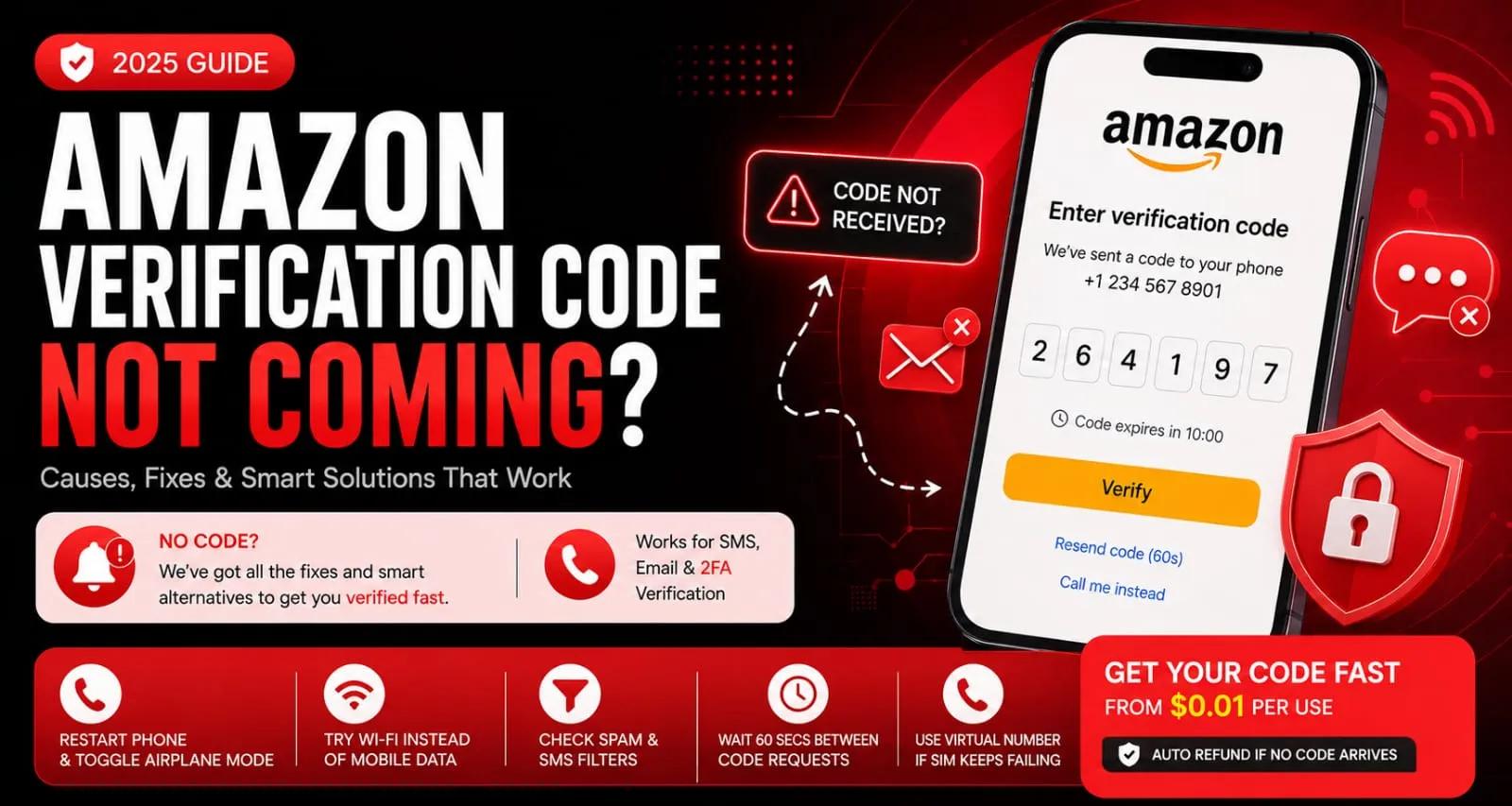
Restart your phone and toggle airplane mode.
Check your SMS inbox for space and spam filters.
Verify the correct number format (e.g., +1 for USA).
If nothing works, try a temporary virtual number.
Sometimes the simplest stuff gets us. A reboot takes 30 seconds, and it clears out all kinds of background junk that might be blocking delivery.
#Why Your ProtonMail Verification Code Isn't Coming (The Real Reasons)
Let's cut to it, there are usually only a handful of culprits when that code refuses to arrive. Carrier filtering is the big one. Some mobile providers, especially in places like India or Brazil, just straight-up block international shortcodes. The message is sent but silently dropped by your carrier. Super frustrating, I know.
Other things that can go wrong:
You recently switched SIMs or ported your number. SMS routing can take 24–48 hours to stabilize, so give it time.
Your SMS inbox is full, yes, phones have a storage limit for texts, and once it's maxed out, new messages vanish.
You've requested too many codes too fast. ProtonMail throttles SMS delivery after multiple attempts in a short window. They do this to prevent abuse, but it can make your phone look broken.
#What to Try Before Anything Else
Before you go down the rabbit hole of advanced troubleshooting, do this 30-second run-through. You'd be amazed at how many people skip the obvious stuff and end up wasting an hour.
Restarting your device clears stuck SMS verification processes that can freeze message delivery.
Toggle airplane mode on, wait 10 seconds, then toggle it off, to forceto force your phone to re-register with the carrier network.
Double-check your number format. Always use the international format with a plus sign (+1 for the USA, +44 for the UK, etc.). Missing that plus sign is shockingly common.
Check your SMS inbox isn't full, delete old conversations if needed. Nobody needs those delivery notifications from 2019 anyway.
Make sure your phone isn't in Do Not Disturb or Block Unknown Senders mode; these settings silently eat incoming texts.
#How to Resend a ProtonMail SMS Code (And When That Actually Helps)
Here's the thing about resending codes: you can do it, but there's a catch. ProtonMail only lets you request a new code once every 60 seconds. And after 3 or 4 attempts? The system may temporarily lock you out. It's their anti-abuse system kicking in, but it feels personal.
So here's what actually works:
Hit the Resend code button on the signup or 2FA page, and wait the full 60 seconds between attempts.
After 3 failed deliveries, ProtonMail often flags your number and switches you to email verification instead.
If resending fails after 5 attempts, close the browser tab, clear your cookies, and start fresh in a new session.
Avoid using Wi-Fi calling or VoIP SMS forwarding, as they often cause delivery issues.
#ProtonMail Email Verification Not Working? Try This Instead
If SMS keeps failing and ProtonMail suggests email verification, don't assume that'll be smooth sailing either. Email has its own quirks.
Check spam, promotions, and social tabs seriously; verification emails love hiding there.
Add [email protected] or [email protected] to your contacts so the sender can send, which helps a ton.
If you're on Gmail, search for ProtonMail using the search bar. Sometimes, Gmail hides verified emails for no good reason.
Restarting in a fresh browser session in incognito mode can help clear session-based blocks.
Use a secondary email address if the first one isn't receiving anything.
#What to Do if You've Lost Your ProtonMail Verification Code
You got the code, but then you blinked, and it's gone. Accidentally deleted the SMS or navigated away from the page. Don't panic.
Codes are valid for 10 minutes, so if you're still within that window, you can manually enter it.
Check the recently deleted folder in your SMS inbox. Android and iOS both keep deleted messages for 30 days.
On Android, swipe down from the top of the screen to view the notification shade. The code might still be visible in a dismissed notification.
Never close the browser tab; use the Resend code button within the active session instead.
If both fail, you may have to start the signup process over from scratch with a clean browser session. Annoying, but fast.
#ProtonMail Phone Verification Error? How to Bypass It Safely
A phone verification error usually means the number you entered is invalid or already in use. ProtonMail blocks numbers tied to too many accounts in the past year.
Your best option here is simple: try a different number. A temporary virtual number can solve this cleanly and quickly.
The error can also appear if your carrier has blocked ProtonMail's SMS shortcode entirely.
Using a VoIP or Google Voice free number will almost always trigger this error.
If you're trying to add phone verification to an existing account, log out and log back in before retrying.
A fresh number from a different country prefix (like a UK number instead of a US one) can bypass the block.
#Still No Code? How to Register ProtonMail Without a Real SIM
If your carrier refuses to deliver ProtonMail SMS codes, you're not out of options. You can use a temporary virtual number from a service like SMSPin to receive the verification code directly.
These numbers are real SIM-based lines, not VoIP or virtual in the spammy sense. ProtonMail treats them exactly like normal mobile numbers. You don't need to insert a physical SIM or expose your personal number. Codes arrive in real time, and you only pay if the code lands. That's it.
Head to smspin.io, pick ProtonMail from the app list, and choose a country with high acceptance rates (USA, UK, and India work great, see USA options here).
Copy the virtual number provided, paste it into ProtonMail's verification field, and click Send code.
The SMS appears almost instantly on the smspin.io dashboard. Enter it in ProtonMail within the 10-minute window.
If no code arrives within 2 minutes, you get an automatic refund. No risk, no hassle.
#Using a Temporary Number for ProtonMail: Does It Work?
Yes, but only if the temporary number is a real mobile number (not VoIP). Services like SMSPin provide physical SIM-based virtual numbers, so ProtonMail recognizes them as standard mobile lines. Success depends on the country and app coverage; the USA and UK numbers generally have the highest acceptance rate for ProtonMail.
A few honest things to know:
Only use services that disclose country and app coverage. Avoid anything promising magic bullet results.
ProtonMail rarely blocks numbers that have only been used for a few verifications.
Rented numbers (1–30-day rentals) work better for long-term accounts because they remain active for password resets and 2FA.
Free temporary number websites are frequently flagged and blocked by ProtonMail. Don't waste your time.
#How to Avoid ProtonMail SMS Verification Failure on Your Next Attempt
Prevention is way easier than troubleshooting. Here's how to set yourself up for success:
Stick to numbers from the USA, UK, Canada, or Germany for the best delivery rates by far.
Never request a verification code more than 3 times in 10 minutes. ProtonMail's anti-abuse system may shadowban your IP address.
Use incognito/private browsing mode to avoid session-based blocks.
Don't reuse a number that has previously failed verification for ProtonMail.
If you're registering from a region with known carrier filtering (e.g., parts of Asia), use a VPN with a server in the same country as your chosen number.
Wait 10–15 minutes between signup attempts to reset ProtonMail's rate limits.
#When ProtonMail Verification SMS Service Is Down: Next Steps
Rarely, and I mean rarely, ProtonMail's SMS delivery partner experiences an outage. During that time, all SMS codes fail globally. If you've tried everything and nothing works, this might be the issue.
Bookmark ProtonMail's status page (status.proton.me) to check for ongoing incidents.
Search for ProtonMail SMS on Twitter/X or Reddit to see if others are reporting the same issue.
If the outage is regional, try using a VPN in a different country and re-request the code.
Email verification may be enabled as a fallback during SMS outages. Check your signup flow.
For time-sensitive registrations, a temporary number from a non-affected region often succeeds.
#Key Takeaways
ProtonMail SMS codes fail most often due to carrier shortcode blocking or a full SMS inbox.
Try restarting your phone, toggling airplane mode, and waiting 60 seconds between resend attempts.
If your carrier won't deliver, use a SIM-based temporary number from SMSPin. Codes arrive in real time with automatic refunds on failure.
Avoid VoIP numbers (e.g., Google Voice). ProtonMail blocks them every time.
#FAQ
Is it legal to use a temporary phone number for ProtonMail?
Yes, it's legal as long as you're using the account for legitimate purposes and not violating ProtonMail's terms of service. Temporary numbers are a privacy tool, not a loophole for fraud. SMSPin is not affiliated with any app or website. Please follow each app's terms and local regulations.
Why hasn't my ProtonMail SMS verification code arrived?
Usually, because your carrier is blocking the shortcode, your SMS inbox is full, or you've requested too many codes too quickly. Try restarting your phone, checking your inbox storage, or using a different number from a supported country.
Can I use a Google Voice number for ProtonMail verification?
No, Google Voice and other VoIP numbers are almost always rejected by ProtonMail. The service requires a real mobile number from a physical SIM card. A temporary virtual number from a SIM-based service like SMSPin is your best alternative.
What's the difference between a one-time verification number and a rental number?
A one-time number is used for a single verification and then released. A rental number stays active for a set period (1 day to 1 month), which is useful if you need to receive password reset codes or 2FA tokens later. For ProtonMail, a one-time number works for signup; rental is better for ongoing access.
What should I NOT use a temporary ProtonMail number for?
Never use temporary numbers for illegal activities, spam, fraud, or violating an app's terms of service. Also, avoid using them for banking or financial accounts where identity verification is critical. Stick to privacy-friendly uses, such as signing up for newsletters, trials, or testing.
How do I troubleshoot if the code arrives but has expired?
Enter the code immediately upon receipt. It's valid for 10 minutes. If it expires, do not close the tab. Click Resend code on the same page to get a fresh one. If you close the tab, you may lose the session and have to start over.
Can I use the same temporary number for multiple ProtonMail accounts?
ProtonMail typically blocks numbers used across multiple accounts. It's best to use a fresh number for each new registration. With SMSPin, you can purchase a new number per attempt.
SMSPin.io is not affiliated with any app, website, or third-party platform. Always ensure you follow each platform's terms and local regulations.