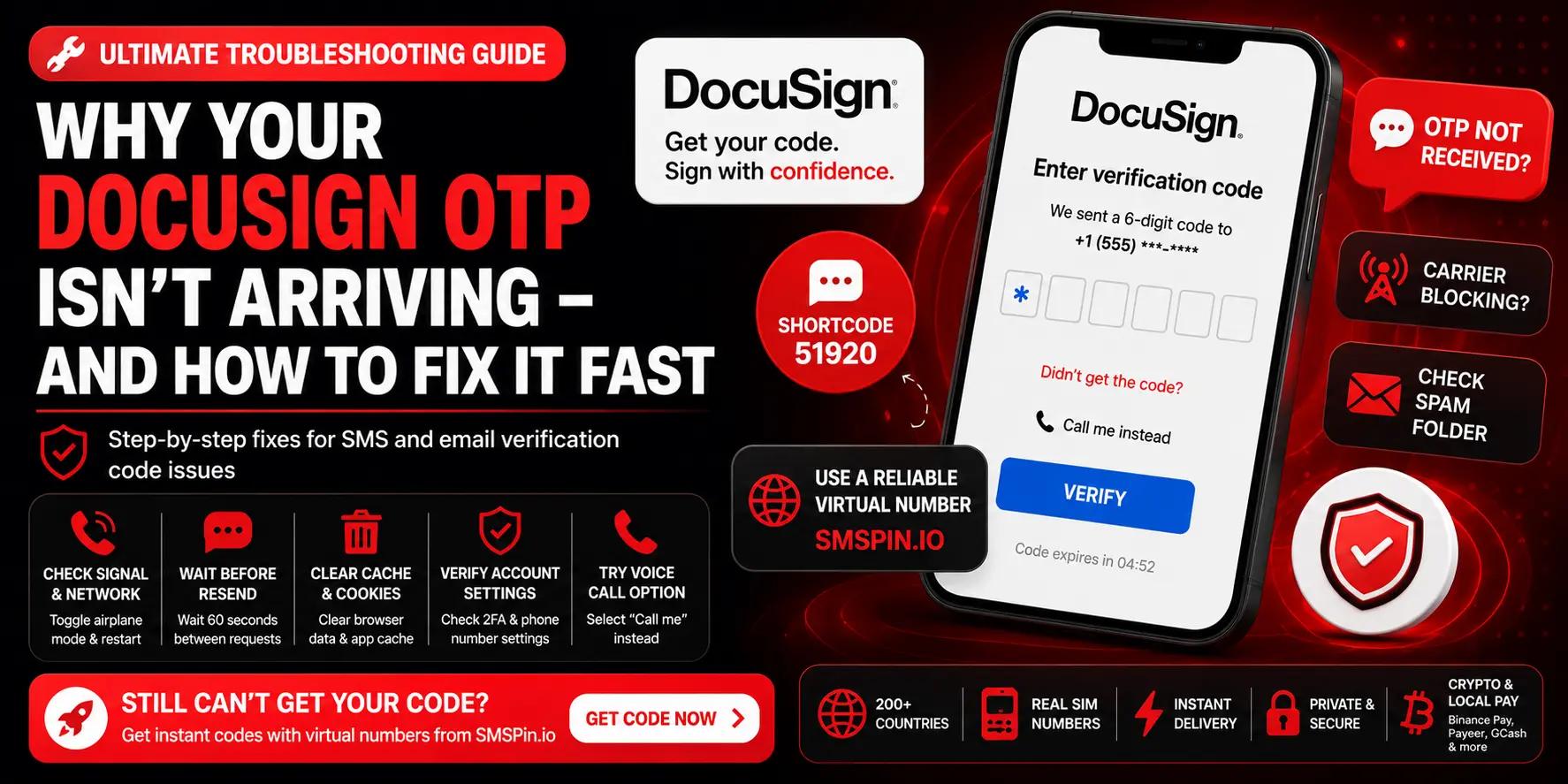
Flipkart OTP Not Received: Fix Verification Code Issues Fast
Troubleshoot Flipkart OTP delays, verification failures, and SMS delivery problems with proven fixes and practical workarounds.
Troubleshoot Flipkart OTP delays, verification failures, and SMS delivery problems with proven fixes and practical workarounds.
If you're waiting for a Flipkart OTP that never arrives, you're not alone. This frustrating issue affects thousands of users daily. A Flipkart verification code not coming is usually a carrier-side problem, not a Flipkart server error. This guide is written for anyone trying to log in, create a new account, or complete a purchase on Flipkart and who needs the code now. Use this when your real SIM fails. Do not use these steps for bank accounts or government services (they require more secure recovery methods).
Quick Answer
Flipkart OTP delays are almost always caused by your mobile carrier blocking or delaying short-code SMS messages.
Restart your phone and toggle airplane mode to refresh your network connection before trying again.
Check your SMS app's spam folder OTPs often get filtered incorrectly.
Request a new code after at least 2 minutes, not immediately, to avoid rate-limiting.
The most reliable long-term fix is using a clean virtual number from a provider like SMSPin that bypasses carrier blocks.
#Why Is My Flipkart Verification Code Not Coming?
An OTP not arriving usually comes down to network congestion, carrier blocks, or app-specific glitches. Flipkart relies on operator gateways that can be delayed during high-traffic periods. Sometimes the issue is with your device's SMS filter or a full inbox clearing that out is the first step.
Network outages or poor signal strength can prevent the SMS from hitting your phone.
Some telecom operators flag Flipkart's messages as spam or block them entirely.
Your phone's built-in SMS blocking apps or third-party number filters might catch the OTP.
Flipkart's servers can experience short delays that make the code appear late.
If your Flipkart verification code not coming, the first thing to do is rule out a phone-level filter. OTPs are sent via standard SMS gateways, but delays of 2–5 minutes are common during peak hours.
#How to Solve the Flipkart OTP Not Received Issue
Here's the fastest checklist to get your code back on track. Restart your phone, toggle airplane mode, and check your SMS filter settings. If that doesn't work, request a new OTP after 5 minutes or try using a different SIM card if you have one available.
Immediate steps to solve the Flipkart OTP not received issue:
Power cycle your device to refresh the mobile network connection to the tower.
Disable SMS blockers or spam protection temporarily to let the message through.
Ensure your SIM card is active and has signal strength try it in another phone to confirm.
Wait at least 2 minutes before re-requesting the OTP to avoid rate-limiting by Flipkart.
Switch from Wi-Fi to mobile data some VoIP connections interfere with SMS delivery.
If these steps don't resolve it, the problem is deeper: your carrier is likely blocking the short-code. That's when a virtual number becomes the best how to solve Flipkart OTP not received issue solution.
#Flipkart Mobile Number Verification Failed? Don't Panic – Try These Steps
A verification failed error typically means the OTP expired or the number you entered has a formatting error. Double-check your country code and remove any leading zeroes from your mobile number. If the error persists, it's often a carrier-side blocking issue rather than a Flipkart problem.
Remove any dashes, spaces, or plus signs in the phone number field plain digits only.
Verify that your SIM is in a phone with SMS capability, not just data-only.
Try the verification on a different device or browser to rule out cookie corruption.
Consider using a different mobile number (temporary or virtual) if the failure continues.
When you see Flipkart mobile number verification failed, it's rarely a permanent block. Often, simply switching to a different number even a virtual one solves it instantly.
#What to Do When Flipkart SMS Is Not Delivered to Your Number
When the SMS just never shows up, the problem is almost always on the delivery path, not your phone. Check if you're in a do-not-disturb (DND) list that blocks promotional or transactional SMS. You can also ask your carrier to unblock short-code numbers used by ecommerce platforms.
Call your mobile operator to confirm they're not blocking short-code SMS from Flipkart.
Check if you recently ported your number ported numbers sometimes miss OTPs for a few hours.
Ensure your phone's messaging app hasn't changed the default SMS app after an update.
If using a dual-SIM phone, confirm the OTP is being sent to the correct SIM slot.
Experiencing Flipkart SMS not delivered after following all checks? The carrier fix may take hours. A faster workaround is to switch to a virtual number that guarantees delivery.
#The Flipkart Without OTP Myth: What Actually Works for Verification
Let's be clear: Flipkart always requires some form of verification, but without OTP isn't really an option. You can, however, use an OTP workaround by using a virtual number that receives the code for you. That's how you get a Flipkart OTP alternative that removes the dependency on your personal line.
There's no setting in Flipkart to bypass OTP Flipkart uses it for all new accounts and logins.
A temporary virtual number acts as a workaround by receiving the SMS on your behalf.
You might avoid a tie to your personal number, but the OTP still has to arrive somewhere.
Using a disposable number isn't a hack; it's simply changing the recipient and then getting the code.
The idea of Flipkart without OTP is a myth. Every account creation, password reset, and suspicious login triggers OTP verification. The real solution is making sure you can receive it.
SMSPin is not affiliated with any app or website. Please follow each app's terms and local regulations.
#Get a Flipkart OTP Alternative: How to Verify Without Your Real Number
If you don't want your primary number exposed, the best alternative is a virtual SMS service that provides disposable phone numbers. You select a number from a reliable provider, paste it into Flipkart, and read the incoming OTP in your dashboard. This is faster than hunting down a spare SIM and keeps your real number private.
Choose a virtual number from a country where Flipkart supports verification (often India or US).
The process: copy the number, paste it into Flipkart, request OTP, then view it in your inbox.
Look for services with high delivery rates and instant reception no registration headaches.
This method also works for multiple accounts without needing multiple real SIMs.
you need a provider that offers clean, never-spammed numbers. SMSPin provides numbers that bypass carrier filters, ensuring your code arrives within seconds. You can receive SMS online instantly from 210+ countries.
#Flipkart Account OTP Not Received for Login or New Account? Fix It Here
Login and new-account OTPs both rely on the same delivery path, but new accounts can sometimes be blocked by Flipkart's fraud detection if the number looks suspicious. If you're registering fresh, ensure you don't use a landline or VoIP number. Stick to a real mobile number or a virtual one that behaves like real.
Flipkart verifies new accounts more strictly your number must be active and able to receive SMS.
For login, clear browser cache and cookies to avoid stuck session tokens.
Try requesting the OTP via Resend after 60 seconds; don't spam the button.
If you've failed too many times, wait 30 minutes before trying again to avoid a temporary block.
When you get Flipkart account OTP not received for login, it's often a session cookie issue. For new accounts, the number itself may be flagged. Virtual numbers from SMSPin are clean and unassociated with fraud, giving you a fresh start.
#Flipkart Order SMS Not Received – Tracking Issues & Verification Fixes
Order SMS failure is often separate from login OTPs – it's a delivery notification issue. Check your Flipkart app notification settings first, then ensure your email is correct as a backup. If you placed the order using a virtual number for verification, the delivery SMS should still go to the same number, but only if it's a long-term rental.
Flipkart sends order SMS from a different system; ensure you didn't block their number.
Update your in-app communication preferences to SMS for delivery updates.
If using a temporary number for purchase, short-term numbers may expire before the order ships.
Use a persistent virtual number for purchases to receive ongoing tracking SMS.
A Flipkart order SMS not received error can be solved by checking your notification preferences. If your virtual number expired, you won't get tracking updates. Choose rental numbers for ongoing access if you plan to keep the account active.
#The Best Flipkart Verification Method for Privacy & Reliability
The most reliable verification method is one that guarantees delivery every time. Real numbers fail often due to carrier blocks. The best alternative is a stable virtual number service known for high acceptance rates. This method keeps your personal data separate while ensuring the OTP lands instantly in your control panel.
Real SIMs can be unreliable due to carrier filters; virtual numbers bypass local operator blocks.
The best verification method minimizes failure points: no spam filters, no full inbox, no DND.
Look for virtual numbers that are clean – never used for spam – for higher Flipkart acceptance.
Private verification also protects your real number from being sold to telemarketers.
When choosing the best Flipkart verification method, prioritize providers with instant delivery and no registration friction. Check the SMSPin FAQs for details on accepted number types.
#Flipkart OTP Workaround: How to Bypass SMS Issues for Good
The ultimate OTP workaround isn't a hack it's switching to a virtual number that you own without a carrier contract. When your real SIM fails, this method ensures you always have a backup number that works. It solves the OTP not arrives problem permanently by removing the carrier variable from the equation.
The workaround works by providing a fresh number for every verification so past blocks don't haunt you.
It shortens the verification loop from minutes to seconds by eliminating carrier delay.
You can use this method for all apps, not just Flipkart, making it a universal tool.
No need to burn multiple SIM cards one virtual account can handle dozens of verifications.
Adopting this Flipkart OTP workaround means you never rely on a carrier again. It's permanent, private, and scalable. For more tips, check our blog for more fixes.
#Key Takeaways
Flipkart OTP delays almost always stem from your mobile carrier blocking short-code SMS, not Flipkart.
Restarting your phone, toggling airplane mode, and checking spam filters resolve most basic delivery issues.
If your carrier won't unblock the short-code, a virtual number is the fastest and most reliable workaround.
Using a clean virtual number protects your privacy and avoids the headache of DND lists and spam filters.
For ongoing account use (order tracking, password resets), choose a long-term rental virtual number, not a disposable one.
#FAQ
Is it legal to use a virtual number for Flipkart verification?
Yes, it is legal in most regions to use a virtual number for online verification. However, you must follow Flipkart's Terms of Service; using it for fraud or account abuse violates their rules. Always use such as, SMSPin is not affiliated with any app or website. Please follow each app's terms and local regulations.
Why does my Flipkart OTP keep failing even with a good signal?
Persistent failure often means your carrier is blocking the short-code SMS. Try disabling spam filters or contacting your operator to unblock Flipkart's code.
Can I use a one-time temporary number for a long-term Flipkart account?
It's risky. Some temporary numbers expire quickly, and if Flipkart sends a verification text later for password changes or login alerts, you won't receive it. Use a long-term rental number for accounts you plan to keep.
What should I NOT use temp numbers for?
Never use temporary numbers for banking logins, government IDs, or any service that requires recovery via SMS. They're designed for disposable verifications, not sensitive accounts.
How long does the fix take if I switch to a virtual number?
You can set up a virtual number in under a minute – just copy the number from the service, paste it into Flipkart, and grab the OTP. There's no registration wait time.
Will Flipkart flag my account for using a virtual number?
Flipkart generally treats clean virtual numbers (not previously used for spam) like any real number. If your account is used for genuine activity, there's no reason for a flag.
Can I reuse the same virtual number for multiple Flipkart accounts?
You can, but Flipkart may link the accounts if the number is recognized. For privacy, use a fresh number from a batch for separate accounts.
SMSPin.io is not affiliated with any app, website, or third-party platform. Always ensure you follow each platform's terms and local regulations.